Desktop App · AI
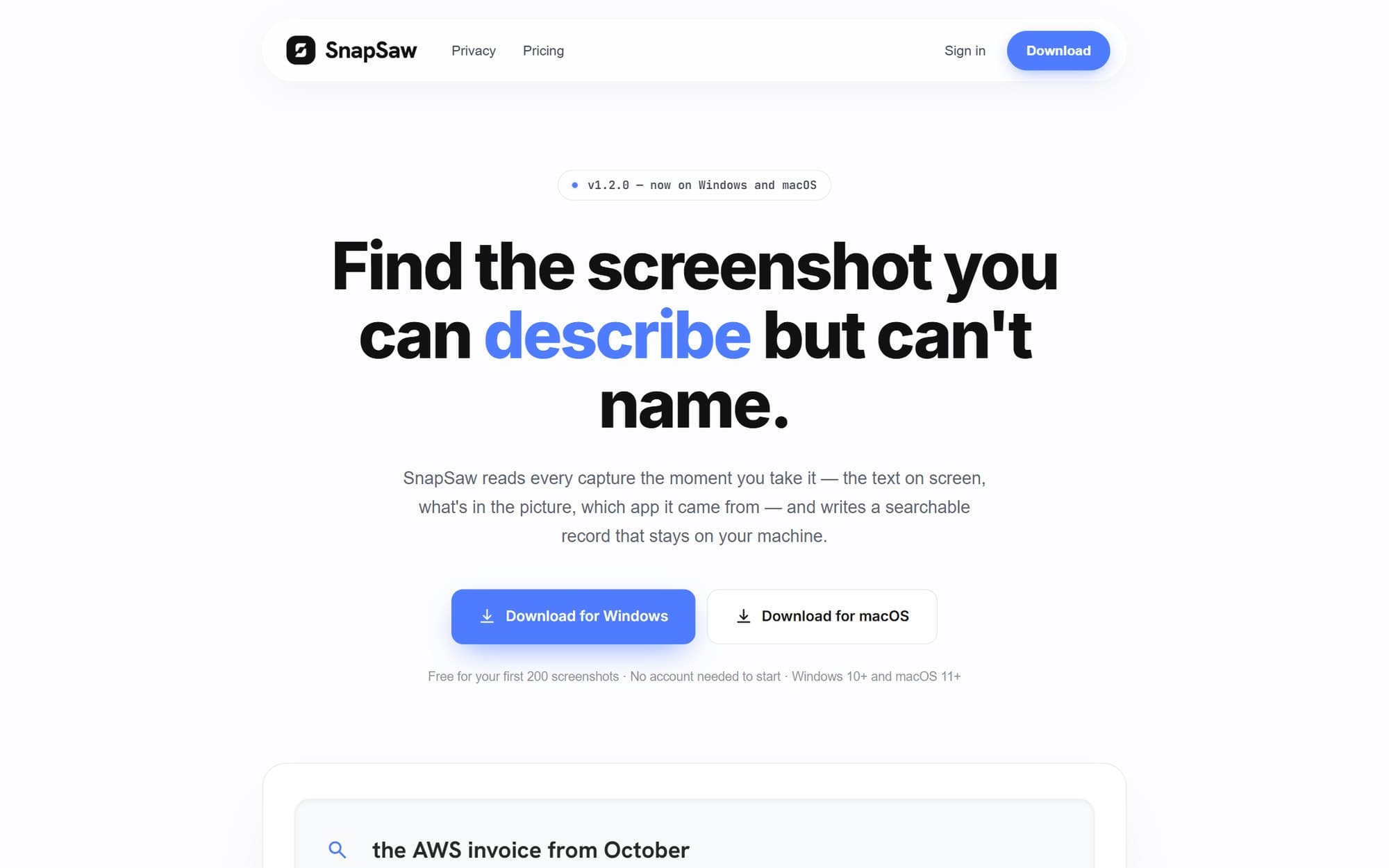
Find the screenshot you can describe but can’t name.
An AI screenshot manager for Windows and macOS that makes every capture searchable.
Outcomes
- Screenshots are indexed seconds after they are taken, with no manual tagging
- Plain-English search like “receipt from starbucks”, plus filters such as tag:, category:, before: and is:fav
- Private by default: offline OCR and a fully local pipeline, so nothing has to leave the machine
- Stays smooth at 100,000+ screenshots
The problem
Everyone takes screenshots of receipts, errors, designs and conversations, then never finds them again. Screenshot folders are a pile of files named by timestamp, and file search can’t see the text inside an image.
What I built
A Flutter desktop app that watches the Screenshots folder natively and runs each new capture through a background pipeline: offline OCR with the built-in Windows engine, then AI enrichment (title, summary, tags and category) with Claude, or a local fallback when no API key is set, then an embedding for semantic search. Search blends SQLite FTS5 keyword ranking with vector similarity using reciprocal rank fusion. It also has collections, favourites, a recent timeline and privacy controls, optional Supabase cloud sync with pgvector, and a Next.js marketing site.
Built with
- Flutter
- Dart
- Riverpod
- SQLite FTS5
- Claude API
- Windows OCR
- Supabase + pgvector
- Next.js